
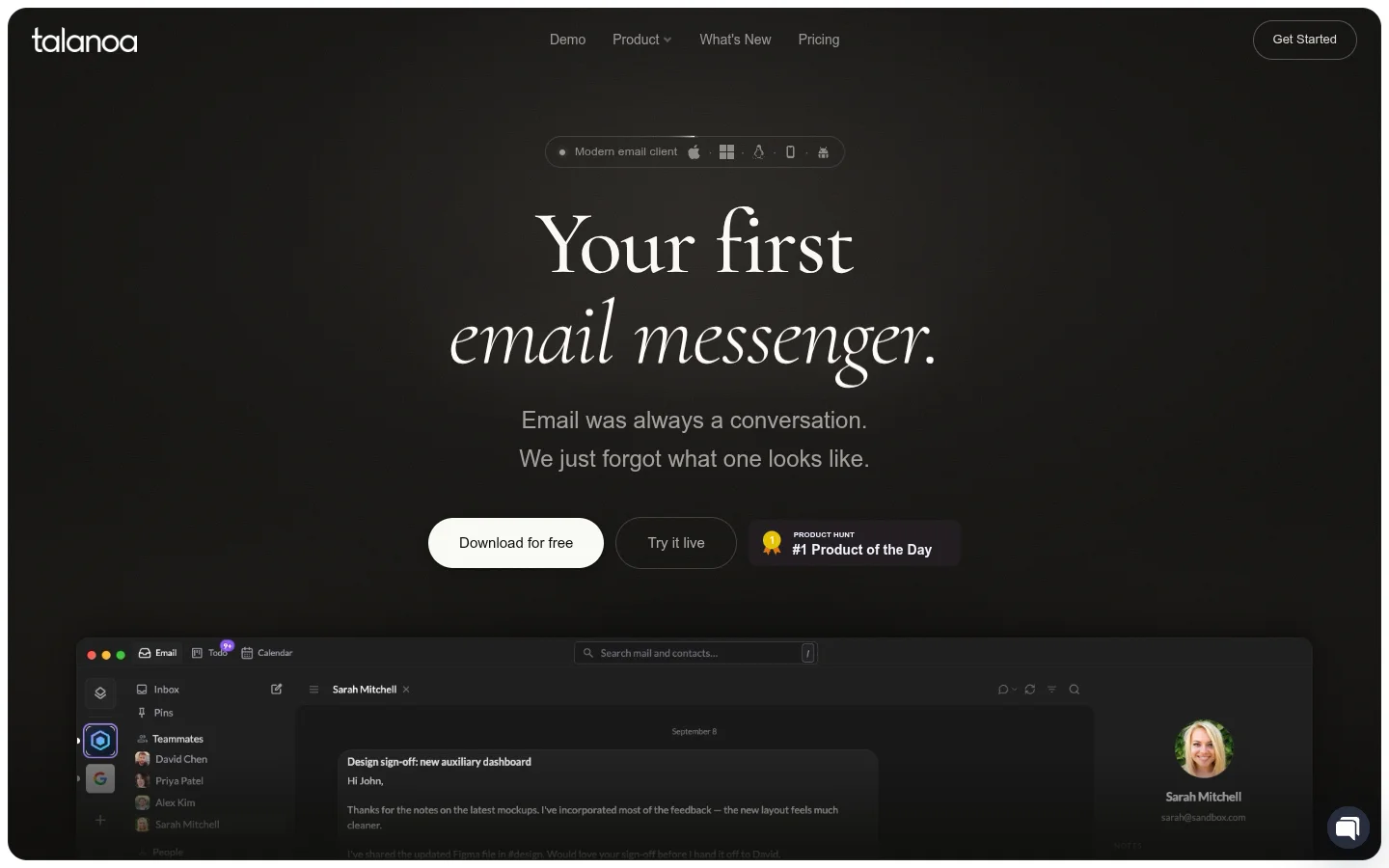
What is Talanoa
Talanoa is a local-first email client for macOS, Windows, and Linux. It positions itself as "your first email messenger," turning email back into conversation: each message appears as a bubble, quotes, signatures, and disclaimers are collapsed, and reading and replying feel more like chatting.
Confirmed key features
- Conversational interface: Email is organized by person and conversation, with messages from the same contact grouped into a single thread rather than found by subject line.
- Built-in calendar: The calendar sits right next to the inbox, so you can reply to invitations directly from an email and share multiple possible times with a single calendar link. The official site notes this feature is currently in beta.
- To-do tasks: You can turn emails into tasks, add a title, due date, and progress, and the original email always stays attached to the task.
- Local AI: AI models run on the user's own computer and can be used to search emails and attachments, view to-dos and the calendar, summarize long threads, draft replies in the user's tone, and translate. The official site states that all answers show their sources and that actions are only performed after the user confirms them.
- Multiple accounts and unified inbox: Supports Gmail, Outlook, iCloud, Yahoo, and any IMAP mailbox, with messages from multiple accounts appearing in one timeline.
- Unsubscribe and block: Remove a sender and their past emails with one click.
- Offline availability: Emails are stored locally, so you can open, search, use AI, and write replies on a weak or offline connection, then send once you're back online.
- Privacy by design: The official site says emails are stored locally, with zero cloud sync and no content tracking, and notes CASA Tier 2 certification and an external security audit by TAC Security.
Use cases
Talanoa suits individual users who want to treat their inbox as a conversation and spend less time sorting labels and archiving, as well as people who manage multiple email accounts and value local email storage and privacy. Users who need to schedule meetings on a calendar and turn emails into follow-up tasks can also do it all in one app.
Platforms and pricing
Desktop coverage includes macOS, Windows, and Linux; the iOS and Android apps are in beta and included in the Pro plan.
The official pricing page shows:
- Free: $0, includes one email account, 2 blocks/unsubscribes per month, and up to 5 to-do tasks.
- Pro: $7.50/month billed monthly, $90/year billed annually (the official site says you save $30 per year), includes unlimited email accounts, unlimited blocking and unsubscribing, unlimited board tasks, the iOS and Android app beta, and priority support.
Prices and features are subject to the current page on the official site.