
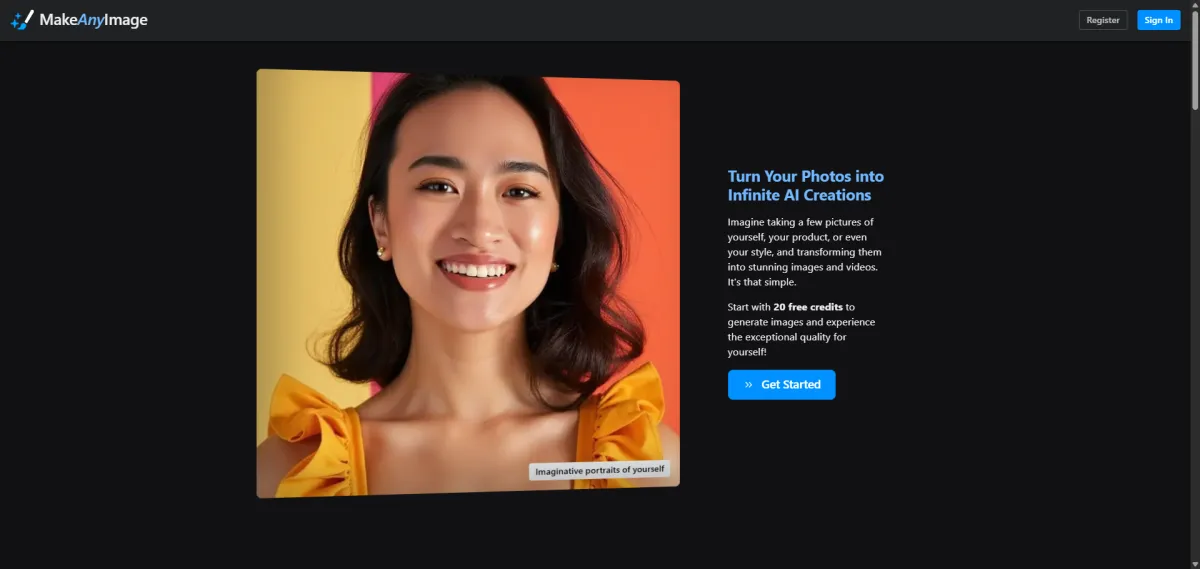
1. What is Make Any Image?
This AI tool is designed to help users generate diverse AI creative works based on their existing photos, and deliver convenient personalized image generation services. As an AI tool focused on secondary image creation, it allows users to upload their own existing photos and generate endless creative images of different styles and formats through AI algorithms. No professional painting or design skills are required, so you can easily get creative images that fit your needs.
2. Detailed breakdown of Make Any Image's core features:
- AI generation based on existing photos: Generate AI creative works based on the original photos uploaded by users. No need to create from scratch, saving you time on creative brainstorming.
- Endless creative outputs: Generate multiple creative results in different styles based on a single photo, meeting your needs for diverse creative exploration.
- Low-barrier creation: No professional design or painting foundation required. Even casual users can easily operate it to generate AI images with professional-level quality.
3. Typical use cases for Make Any Image:
- Regular individual users who want to turn their daily life photos into artistic creations but can't find a simple and efficient creation tool.
- Content creators who need to generate diverse creative materials based on existing reference images to save time on original content creation.
- Design enthusiasts who want to explore image effects in different styles and expand their creativity based on existing photos.
5. Frequently Asked Questions about Make Any Image
Q: Is Make Any Image free or paid? No clear pricing information is currently available on the official website. For the latest specific pricing details, please check directly on the official site.
Q: How do I generate AI creations with Make Any Image? Just go to the official Make Any Image website, upload the photo you want to create with, and the tool will generate the corresponding AI creative work based on your photo.